Password management is a trade-off between security, accessibility, availability, and operational complexity.
I use a self-managed system built on standard Linux tools: pass, GnuPG, YubiKey, Git, and LUKS. Here, self-hosted means that I control the password files and their decryption keys; access does not require a password-management service.
Not every secret requires the same protection. The more sensitive a credential is, the more deliberate the process required to access it.
Three layers of access
I organize credentials into three levels, each with a different balance between convenience and security.
| Layer | Protection | Storage | Typical use |
|---|---|---|---|
| 1 — Convenience | Device-local GPG key | Local password store | Low-impact credentials |
| 2 — Personal | YubiKey-backed GPG key | Password store replicated across devices | Everyday sensitive accounts |
| 3 — Offline vault | LUKS + YubiKey-backed GPG key | Removable encrypted USB storage | Banking, government, and critical credentials |
The distinction is what is required to decrypt the passwords, as well as where they are stored.
Encryption and access control with pass
pass stores each secret as an individually GnuPG-encrypted file, typically under ~/.password-store. A directory can be configured for one or more GPG recipients. Different directories can use different recipient sets. pass manual.
Low-impact secrets can be encrypted for a device-local key. More sensitive credentials can use a key whose decryption subkey is held on a YubiKey. GnuPG enforces the recipient policy.
Adding a recipient creates another way to decrypt the same secret. It does not require all recipients to participate. To require hardware-backed access in daily use, encrypt sensitive directories only to the intended hardware-backed identities. A device-local recipient would provide an alternative that bypasses the token.
Hardware-backed access with YubiKey
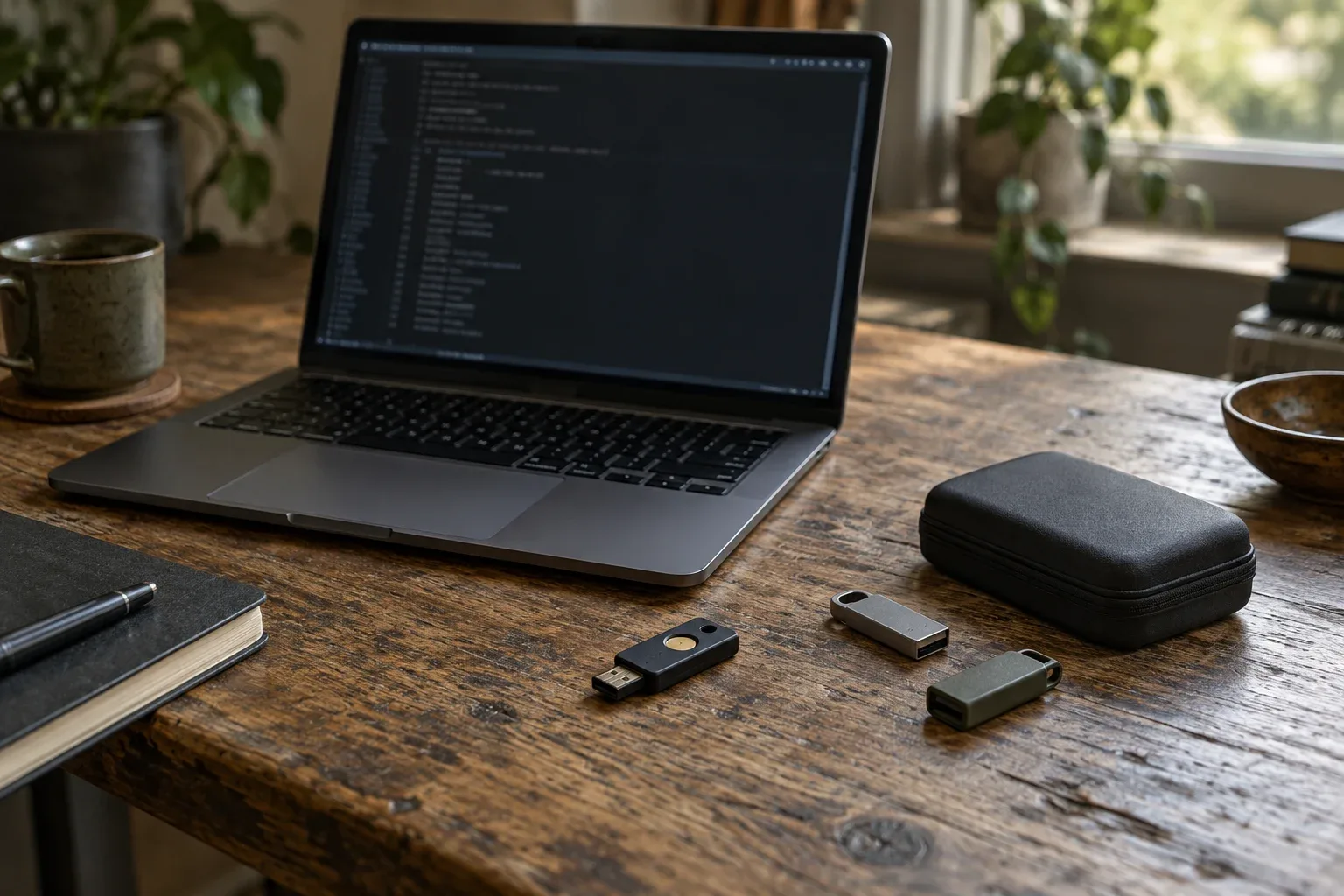
For sensitive credentials, I use GPG keys whose private decryption material is held on a YubiKey. The device performs the private-key operation without exporting that material to the host filesystem.
This separates the encrypted password files from the key needed to decrypt them. Replicating the files does not require replicating private keys onto each workstation.
The same approach can work on Linux and Android with compatible software and a suitable token over NFC or USB. Compatibility depends on the client, token, and key algorithms; test the intended combination. OpenKeychain hardware-token documentation.
Preserve and test cryptographic recovery before moving keys to a token. Keep the Secret Off the Machine covers key separation; A Token Is Not the Secret covers token recovery.
An offline vault for critical credentials
For critical credentials, I maintain a separate pass store on a LUKS-encrypted USB drive. The drive remains disconnected by default.
Access follows this sequence:
- Connect the USB drive to a trusted machine.
- Unlock its LUKS volume with a passphrase.
- Mount the decrypted filesystem.
- Bind-mount the vault into the expected password-store location.
- Use
passwith GnuPG decryption through the YubiKey. - Unmount the bind mount and filesystem, close the LUKS mapping, and disconnect the drive.
I automate mounting and unmounting with a script. Unlocking the storage and authorizing key use remain explicit steps.
LUKS protects the storage while locked. GnuPG protects individual secrets inside it. Even when the filesystem is unlocked, those secrets remain encrypted until decrypted.
Neither layer protects a password after it is decrypted on a compromised host. I therefore restrict vault access to selected, trusted devices. A hardware token protects its private key; it does not make the requesting computer trustworthy.
Replication, synchronization, and recovery
For everyday stores, Git provides version history and synchronization. Encrypted files can be replicated across devices or stored in a private Git forge. Committed history can help recover accidental edits or deletions while that history remains available.
For the offline vault, I maintain multiple encrypted USB drives. A dedicated script propagates updates between them. The drives can be updated sequentially; they do not all need to be connected at once.
This requires discipline. Offline replicas may contain different versions until synchronization is complete. Check which copy has the intended changes before propagating them.
Git history is not a backup policy or an access audit. It records committed changes to encrypted files, not who read or decrypted a password. File and directory names may expose account metadata even when file contents are encrypted.
Storage recovery and cryptographic recovery are separate requirements. Multiple vault copies protect against storage loss. They do not recover a lost private key or forgotten LUKS passphrase. The recovery procedure must cover lost tokens, authorized private keys, volume unlock credentials, and access to independent backups.
Test recovery with the daily token unavailable. Confirm that you can unlock a backup volume and decrypt a non-sensitive test entry through the documented recovery method.
Operational trade-offs
This setup requires managing recipients, hardware tokens, encrypted volumes, synchronization, and recovery. It offers properties I value:
- Data control: password files remain under my control.
- Portability: the system uses established tools and documented formats.
- Selective protection: access requirements follow credential sensitivity.
- Recoverability: independently maintained copies and tested key recovery reduce dependence on one device.
- Offline isolation: critical credentials are physically disconnected when not needed.
- Service independence: local decryption does not require the Git forge or another password-management provider to be available.
The objective is proportional protection. Routine credentials remain accessible. Sensitive credentials require the token. Critical credentials also require connecting and unlocking the offline vault.
Maintain the recipient policies, synchronize deliberately, and repeat recovery tests after changing keys, devices, or volume credentials.